Aroma Diffuser Remote: Setup, Mist, Timer & Light
How to use the aroma diffuser remote control?
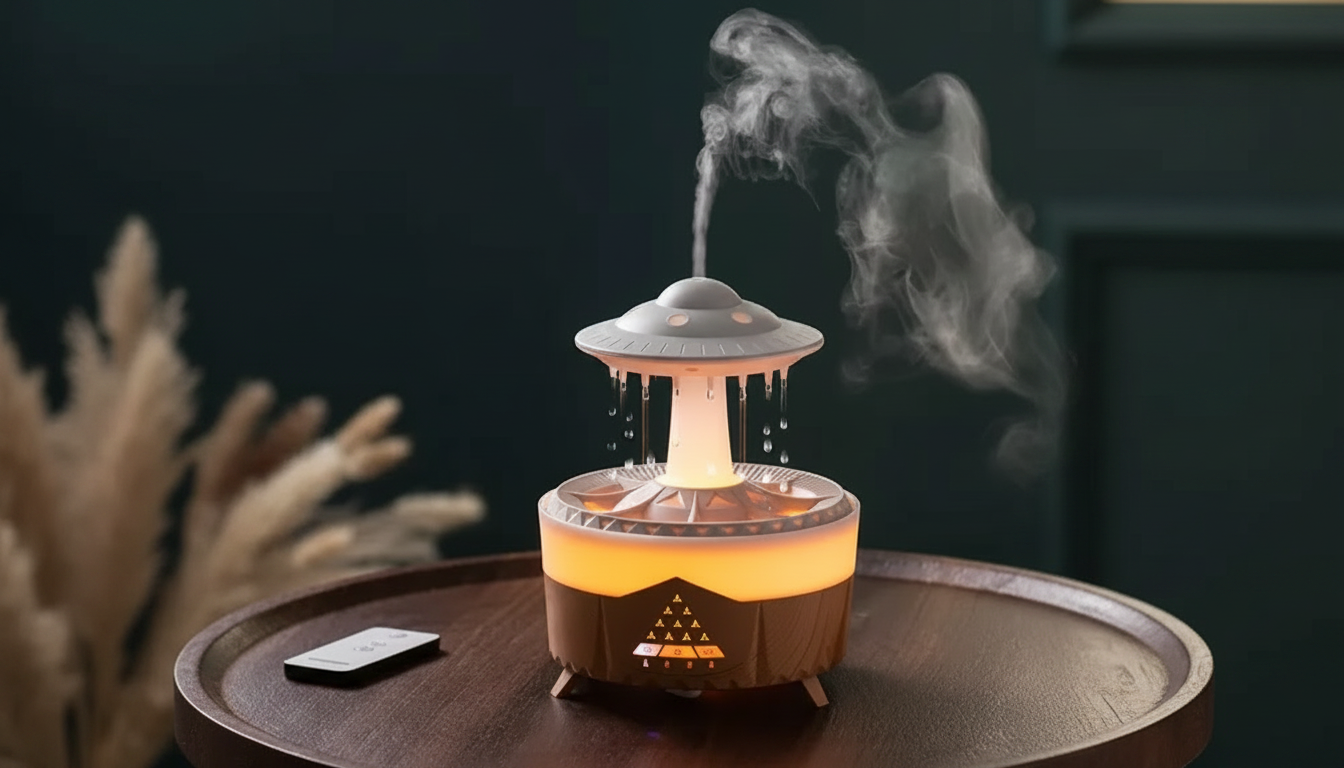
An aroma diffuser remote control lets you adjust mist, lighting, and timers from across the room—useful when the diffuser is on a shelf or running overnight. While button layouts vary by model, most remotes follow the same setup and usage steps.
1) Get the remote ready
Remove the battery isolation tab (common on new remotes) or install the correct coin-cell battery. If the remote has an on/off switch, set it to ON. Aim the remote toward the diffuser’s receiver (usually on the front or top edge), and stay within typical range (about 10–16 feet, depending on obstacles).
2) Power on and start mist
Press Power to turn the diffuser on. Then press Mist (or Atomize) to start diffusion. Many remotes cycle through modes each time you press the mist button—such as continuous, intermittent, or different intensity levels—so press again until you get the output you want.
3) Set a timer
Use the Timer button to select a shutoff time (often 1H/2H/3H/6H, depending on your unit). If your diffuser supports it, an “ON” or “Continuous” option may keep it running until the water runs low or the tank is empty.
4) Control the light
Press Light to toggle LED lighting. Some remotes let you cycle colors, lock a specific color, or adjust brightness. If you want scent without light for sleep, keep pressing Light until the LEDs turn off.
5) If the remote isn’t responding
First, replace the battery and confirm the plastic tab is removed. Make sure there’s a clear line of sight, and try shorter distance. If buttons still don’t work, unplug the diffuser for 10 seconds, plug it back in, then retry.
For model-specific button maps and troubleshooting details, see the full guide: How to use the aroma diffuser remote control.
FAQ
Why is my aroma diffuser remote not working?
Most issues come from a drained coin-cell battery, a battery tab that wasn’t removed, or aiming too far from the diffuser. Replace the battery, reduce distance, and power-cycle the diffuser by unplugging it briefly.





Leave a comment